

Introduction
The Amazon Alexa virtual assistant has become a popular tool for controlling smart home devices, streaming audio and video, setting reminders and more. However, one of its most commonly used features is playing music. Unfortunately, there are times when Alexa fails to play music. This article explores why Alexa may not play music, including examining the limitations of Alexa’s music playing capabilities, investigating reasons why Alexa may not play music, and providing troubleshooting steps to try when Alexa fails to play music. It will also look at Alexa’s audio quality for music, as well as restrictions on music playback.
Exploring the Limitations of Alexa’s Music Playing Capabilities
Before we can investigate why Alexa may not play music, it is important to understand what Alexa is capable of. Alexa can be used to play music from supported streaming services, such as Spotify, Pandora, and Apple Music. Additionally, Alexa can play music that is stored in Amazon Music, which is an online music library. Alexa can also play music that is stored locally on your device.
When using Alexa to play music, you must give specific commands. For example, you can say “Alexa, play jazz music” or “Alexa, play my favorite song.” You can also ask Alexa to play specific songs, albums, or artists. Additionally, you can use Alexa to control the volume, pause, and skip tracks.
Investigating Reasons Why Alexa May Not Play Music
There are a few potential reasons why Alexa may not play music. The first is technical issues. If your network connection is poor or unstable, it can cause problems with music playback. Additionally, if you have recently made changes to your Wi-Fi network, Alexa may not be able to connect properly. Finally, if your Alexa device is having trouble connecting to the internet, this could also be a factor.
Another potential reason why Alexa may not play music is user error. If you are giving incorrect commands to Alexa, then it won’t be able to play music correctly. Additionally, if you are using unsupported streaming services or trying to play music that isn’t available in Alexa’s library, then it won’t be able to play music.
How to Troubleshoot When Alexa Fails to Play Music
If Alexa is not playing music, there are a few troubleshooting steps you can take. The first is to check your network connection. Make sure that your internet connection is working properly and that your device is connected to the same network as your Alexa device. Additionally, if you have recently made changes to your Wi-Fi network, you should double-check that Alexa is connected to the correct network.
If the issue persists, you may need to perform a system reset. To do so, simply unplug your Alexa device and plug it back in. This will reset the device and hopefully fix any issues you were having. Additionally, you should make sure that you have the latest version of the Alexa app installed on your device.
Finally, you should make sure that you are adding the correct music services to your account. If you are trying to play music from a service that is not supported by Alexa, then it won’t be able to play music. You can add music services to your account by going to the Alexa app and selecting “Settings” then “Music & Media.”
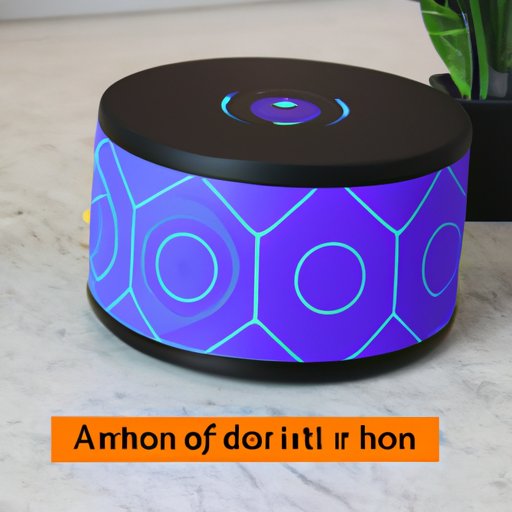
What to Do When Alexa Cannot Find Your Music
If Alexa is unable to find your music, you may need to add more music services to your account. As mentioned above, you can do this by going to the Alexa app and selecting “Settings” then “Music & Media.” Additionally, you should understand that Alexa’s music library size is limited. This means that not all songs, albums, and artists will be available in Alexa’s library. If you are trying to play something that is not in Alexa’s library, then it won’t be able to play it.
Understanding Alexa’s Audio Quality for Music
It is also important to understand Alexa’s audio quality for music. Alexa streams music at a bitrate of 256 kbps, which is considered to be CD-quality. Additionally, Alexa supports stereo sound output, which means you can enjoy a high-quality listening experience.
Analyzing Alexa’s Restrictions on Music Playback
Finally, it is important to understand that Alexa has some restrictions on music playback. For example, Alexa has limits on how long you can play music at a time. Additionally, there are some licensing restrictions that limit what music can be played on Alexa. For example, some music services may only allow you to stream certain types of music on Alexa.
Conclusion
In conclusion, this article has explored why Alexa may not play music. It has examined the limitations of Alexa’s music playing capabilities, investigated reasons why Alexa may not play music, and provided troubleshooting steps to try when Alexa fails to play music. It has also looked at Alexa’s audio quality for music, as well as restrictions on music playback. By understanding these issues, you can help ensure that Alexa plays music properly.
(Note: Is this article not meeting your expectations? Do you have knowledge or insights to share? Unlock new opportunities and expand your reach by joining our authors team. Click Registration to join us and share your expertise with our readers.)