
Introduction
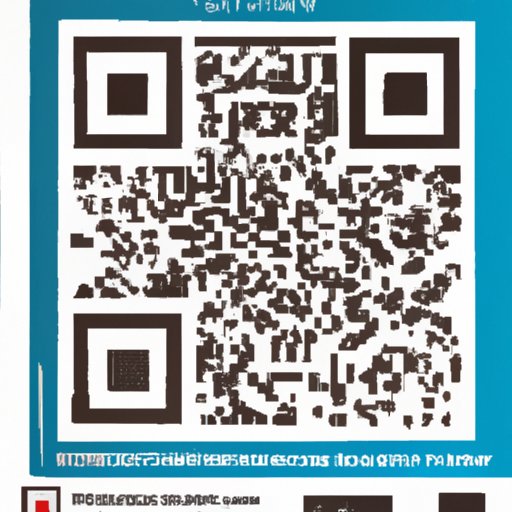
QR codes are two-dimensional barcodes that can be scanned with a smartphone camera to quickly access information. They are becoming increasingly popular as an easy and convenient way to share information with customers or visitors. In this article, we will explore how to scan a QR code with a smartphone camera, as well as important tips and best practices.
Definition of QR Codes
QR stands for “Quick Response”, and it is a type of barcode that contains information in a two-dimensional matrix. A standard QR code consists of black squares arranged in a square grid on a white background. The information contained in the code can range from simple text to more complex data such as URLs, contact details, or even payment information.
Benefits of Scanning QR Codes
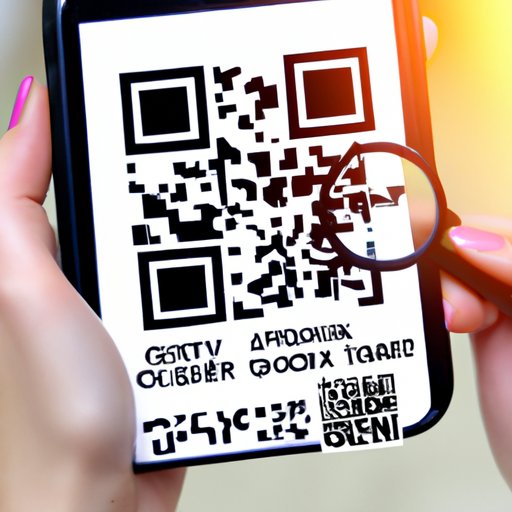
Scanning a QR code has several advantages over manually entering information. QR codes are quick and easy to read, and they can store large amounts of data in a small space. This makes them ideal for sharing detailed information with customers or visitors in a short amount of time. Additionally, QR codes can be used to link to websites or other digital content, making it easier for users to access the information they need.
Step-by-Step Guide on How to Scan a QR Code
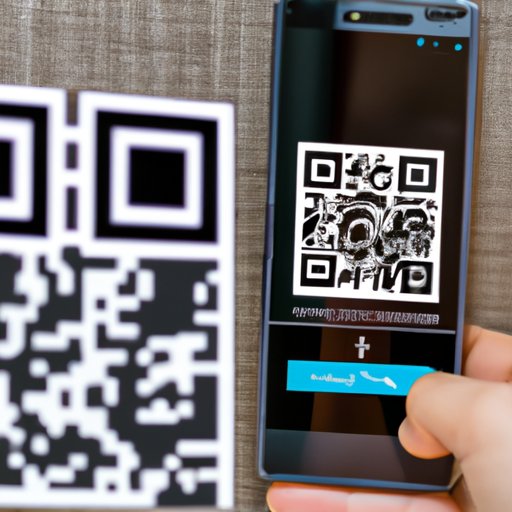
To scan a QR code with your smartphone camera, you will need to download a QR code reader app. There are many apps available for both Android and iOS devices. Once you have downloaded and installed the app, follow these steps to scan the code:
- Step 1: Open the app and point your smartphone camera at the QR code.
- Step 2: Align the QR code within the frame provided by the app.
- Step 3: The app will automatically recognize the code and display the information.
Tips for Scanning QR Codes with Your Smartphone Camera
When scanning a QR code with your smartphone camera, there are a few things you should keep in mind to ensure the best results. Here are some tips for successful scanning:
- Make sure you have good lighting: Poor lighting can make it difficult for the camera to recognize the QR code. Try to scan the code in a well-lit area.
- Keep your camera steady: If your camera is shaking, the app may not be able to recognize the code. Hold your phone steady for best results.
- Position the QR code in the center of the frame: The app may not be able to recognize the code if it is positioned off-center. Make sure the code is in the middle of the frame before scanning.
What You Need to Know Before Scanning QR Codes
Before scanning a QR code, it’s important to understand the content behind the code. QR codes can contain a variety of information, from simple text to more complex data such as URLs or payment information. To ensure you are accessing the correct information, always double-check the code before scanning it.
It’s also important to be aware of potential security risks when scanning QR codes. Always make sure you are scanning codes from trusted sources, and never scan a code that looks suspicious. Additionally, it’s a good idea to double-check the URL before visiting it to make sure it is legitimate.
Best Practices for Scanning QR Codes
To ensure a safe and successful experience when scanning QR codes, there are a few best practices you should follow. Here are some tips to keep in mind:
- Use a reputable QR code reader app: Not all QR code reader apps are created equal. Do your research and make sure you are using a reliable app.
- Only scan codes from trusted sources: Be cautious when scanning QR codes, and only scan codes from sources you trust. Never scan a code that looks suspicious.
- Double-check the URL before visiting it: QR codes can link to websites or other digital content. Before visiting the link, double-check the URL to make sure it is legitimate.
Troubleshooting Common Issues When Scanning QR Codes
If you are having trouble scanning a QR code, there are a few things you can try. Here are some troubleshooting tips:
- Make sure you have a reliable network connection: If the QR code links to a website or other online content, make sure you have a strong internet connection before scanning the code.
- Check the resolution of the QR code: Low-resolution QR codes can be difficult to scan. Make sure the code has enough detail for the app to recognize it.
- Clean the camera lens: Dirt and fingerprints can make it difficult for the camera to recognize the QR code. Clean the lens before scanning.
Conclusion
Scanning a QR code with your smartphone camera is an easy and convenient way to access information quickly. To get started, download a QR code reader app and follow the instructions provided. Remember to always be aware of potential security risks, and only scan codes from trusted sources. With these tips and best practices, you can enjoy a safe and successful experience when scanning QR codes.
(Note: Is this article not meeting your expectations? Do you have knowledge or insights to share? Unlock new opportunities and expand your reach by joining our authors team. Click Registration to join us and share your expertise with our readers.)