
Introduction
The Amazon Echo is the most popular smart speaker on the market today. With Amazon’s virtual assistant, Alexa, the Echo can do many things—from setting alarms to playing music. This article will explore how to get Alexa to play music, using voice commands, creating playlists, and more.
Use Voice Commands
One of the easiest ways to get Alexa to play music is by using voice commands. Just say “Alexa, play [song name]” or “Alexa, play [artist]”. Alexa will then start playing the requested song. If you don’t know the exact title of the song, you can also ask Alexa to play a certain genre or artist. For example, you could say “Alexa, play me some jazz” or “Alexa, play some Taylor Swift”.
Create a Playlist
If you want to create a custom playlist of your favorite songs, you can do so through the Alexa app. The app allows you to search for songs, artists, and albums, and add them to a personalized playlist. You can then ask Alexa to play your playlist whenever you want.
Choose from Music Services
You can link Alexa to a variety of music streaming services, such as Spotify, Apple Music, Pandora, and more. Once you’ve linked your account to Alexa, you can request specific songs, artists, and albums from those services. You can even ask Alexa to play radio stations or podcasts.
Use Multi-Room Music
If you have multiple Echo devices in your home, you can set them up to play music in each room. This is called multi-room music playback. To do this, you’ll need to group the Echo devices together in the Alexa app. Then you can say “Alexa, play [song] in [room]” and the song will start playing in that room.
Group Your Speakers
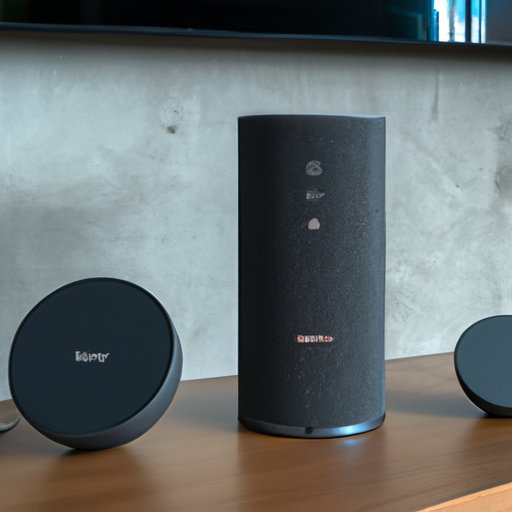
If you have compatible Echo devices, like the Echo Dot and Echo Show, you can connect them to create a single audio system. To do this, you’ll need to group the speakers together in the Alexa app. Then you can say “Alexa, play [song] on [group name]” and the song will start playing through all of the connected speakers.
Ask Alexa to Play Music
Finally, if you’re not sure what type of music you want to listen to, you can just tell Alexa to “play music”. Alexa will then start playing popular songs from its default music library. You can also ask Alexa to play certain types of music, such as “play rock music” or “play classical music”.
Conclusion
In conclusion, there are many ways to get Alexa to play music. You can use voice commands to request specific songs, artists, and genres. You can also create custom playlists through the Alexa app. Additionally, you can link Alexa to a variety of music streaming services and use multi-room music playback or speaker grouping. Finally, you can just ask Alexa to “play music”, and it will start playing popular songs from its default music library.
With these steps, you can easily get Alexa to play the music you want. Whether you’re looking to listen to your favorite songs or discover new music, Alexa has you covered.
(Note: Is this article not meeting your expectations? Do you have knowledge or insights to share? Unlock new opportunities and expand your reach by joining our authors team. Click Registration to join us and share your expertise with our readers.)